by successfulbob | Lumix GX85, Lumix Lounge, musician photography, photographer of musicians
Live Entertainment Photography – Anthony Mazzella
I’ve been working capturing the performers at Sound Bites Grill in Sedona for about four years. I still enjoy the challenge of making images in this environment.
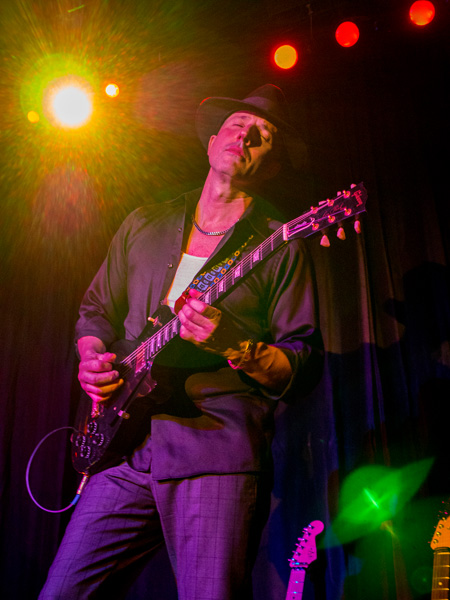
 Anthony Mazzella on guitar – Image captured with LumixGX85
The latest entertainer to make the Wall of Fame is Anthony Mazzella. Even though Anthony is on the Wall already from a previous performance Sound Bites felt that the stage show Anthony has developed with his salute to Legends of Guitar should have its own special image.
 Full stage with Anthony and his ‘babies’ all ready to play.
Playing multiple guitars in a variety of styles, along with looping music from other instruments makes this a really great show.
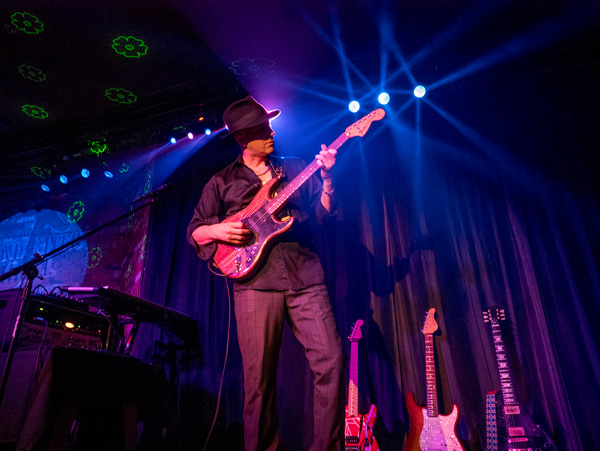 LED lighting and a smoke machine add a lot of ambiance to the stage.
I’ve been pleased how the Lumix camera gear can handle the contrast range in this difficult shooting scenario. In the earlier cameras, I had to work a lot harder to have detail in the shadows and not loose the pure color of the LED lights. Now, with new processing engines and five-axis image stabilization, I’m able to get more detail across the entire range. Can you say happy?
 Mazzella Playing the blues during his performance.
Monday I’ll share the black and white conversions of these images.
Yours in Creative Photography, Bob
by successfulbob | fine art photography, fine art portrait, people photography, photography creativity, tuesday painterly photo art
Tuesday Painterly Art – Kristi Elias
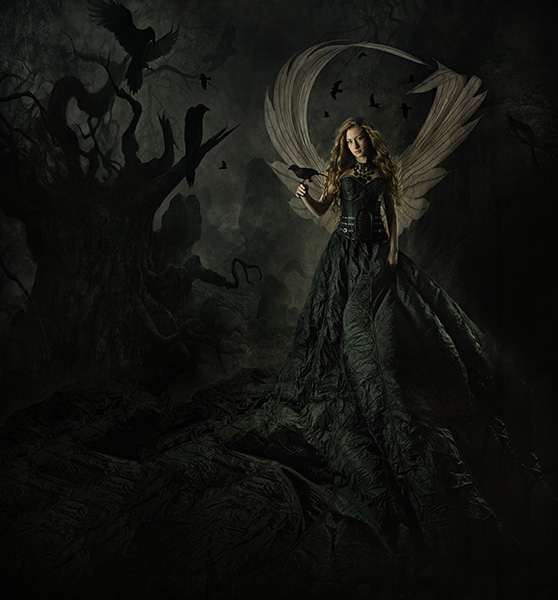
I have watched Kristi grow and set her work apart from others on so many levels. It has been an amazing journey to watch. Here is some of Kristi’s work and words to inspire you in your artistic quest in photography. While Kristi’s images do not involve painting per se they have a distinctive art feel to them. I turn this post over to Kristi.
 Look carefully at this image and check out the background build.
(not to mention the build and definition on the fighter) – image © Kristi Sutton Elias Original capture. Note the kicker lights that help with background separation and extraction.
image © Kristi Sutton Elias
“I am a fine art portrait photographer, a good portion of my work is conceptual composites. I create between 40-over 60 composites a week for client orders, some are more involved than others. The amount of time to create the composite varies depending on if I am reinventing the wheel and creating a new concept and artwork from scratch or re-creating a piece that I have created for another client before.
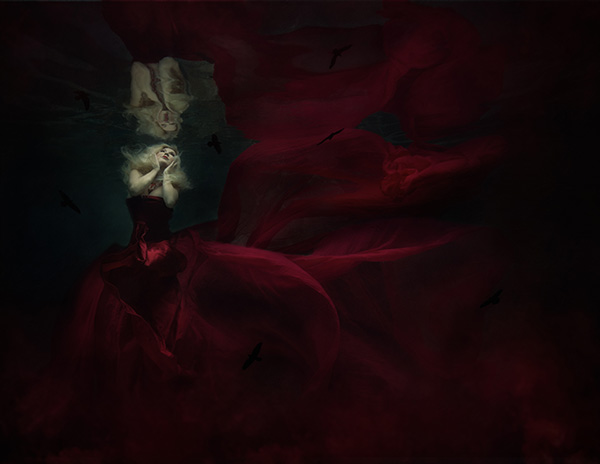 After processing. image © Kristi Sutton Elias
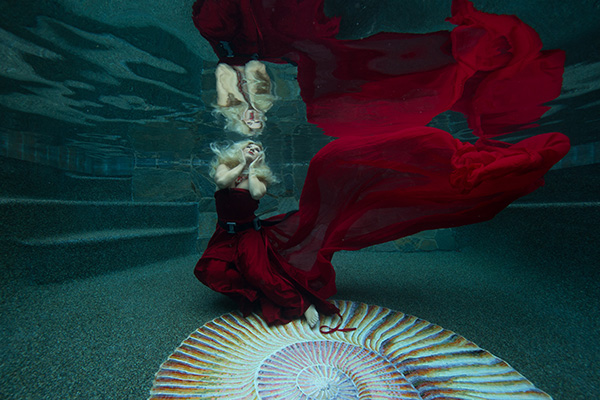 Original capture. image © Kristi Sutton Elias
“Most of my backgrounds were taken during our vacations, I pick vacation spots based on images I would like to create. Medieval and abandoned castles are my favorite, this year we are going back to Europe and I already have a shot list of where I want to go.
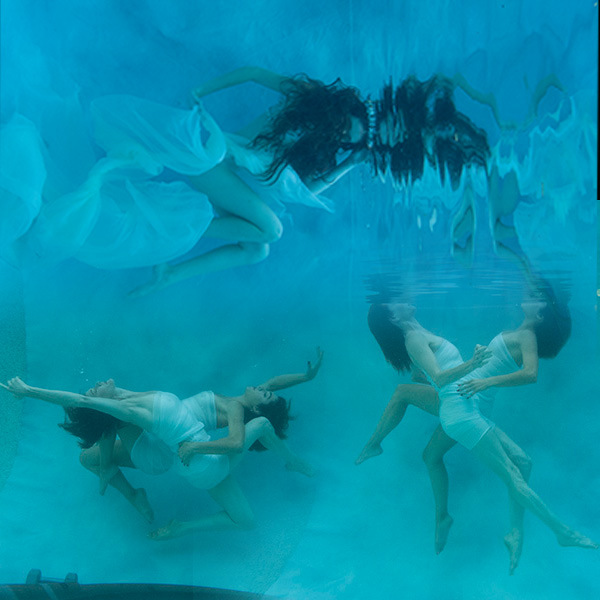 Original captures. See the final below. (I merged the three images original for this illustration: ED.)
image © Kristi Sutton Elias
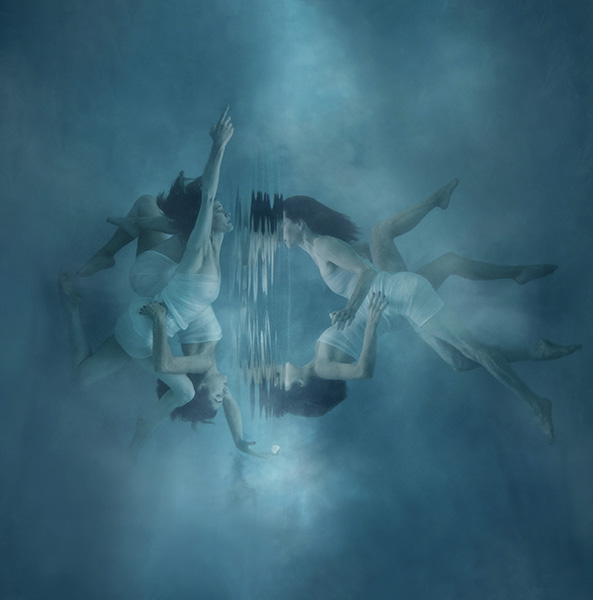 Final image © Kristi Sutton Elias
“After I shoot a session, I upload my images into lightroom and cull through them rating my favorites. After that, I will open my selected image into photoshop and create the composite. Sometimes my composites could be 5 images put together to create the final image and sometimes just 2 images. After I have created my final composite, I use NIK Software Color EFX Pro 4 to create my final vision. I have a few go-to tools that I like to use, but overall each image is treated differently as its own piece of art. Some of my go-to’s are dark contrast and bleach bypass and darken lighten center. The best thing to do is go through all the filters and see what each one does and play with all the levels. Before I start an edit I look at the image and decide what color pallets, hues, and mood I want the final image to portray. I have created hand-painted backgrounds that I photographed and use for textures in my work.
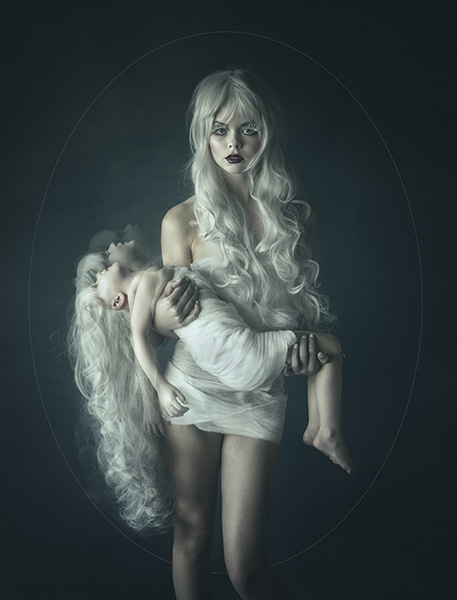 image © Kristi Sutton Elias
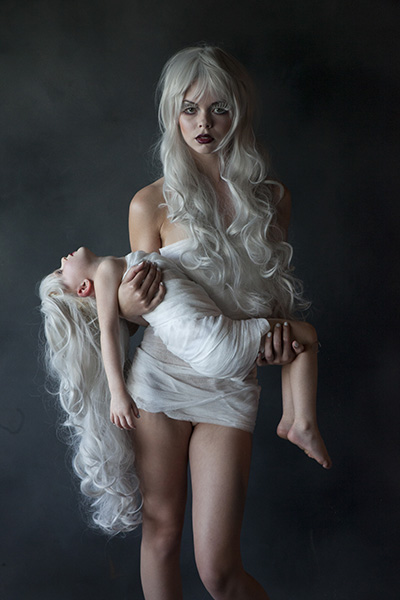 Starting with a well-lit capture that has depth and dimension makes selling the final image that much easier image © Kristi Sutton Elias
“Another important part involved in my editing, I listen to Love songs or country love songs on pandora while I edit. Mood music :).”
www.KristiElias.com (Masterpiece Portraits)
www.KristiSuttonElias.com (Editorial and Advertising)
Kristi will be teaching a week long class on “The Fine Art of Portraiture” at Texas school this year. Click on the link to learn more about the class. It will be a very creative and fun class!
https://www.texasschool.org/speaker-lineup/kristie-elias/
Yours in Creative Photography, Bob
Save
Save
by successfulbob | landscape photography, Lumix Lounge, Lumix LX100, panorama, photography creativity, photography education, photography gear, photography software
Panoramic Photography – One More Time
Here’s one more use of panoramic photography that I haven’t mentioned in previous posts. Change the number of Mega-Pixels in your camera.
“Say what?” You ask? “And once you explain, tell me why I want to try that?”
Ok, here goes.
You can expand the number of pixels in an image in order to be able to make a larger print by making multiple images and overlapping the capture. After you get back to the studio move those images into your favorite photo stitching programs like Adobe’s Photoshop or AutopanoPro and put the images together. Photoshop has gotten very good at merging images together including a new feature called Content-Aware Fill that can automatically clean up the blank space that can sometimes surround your image.
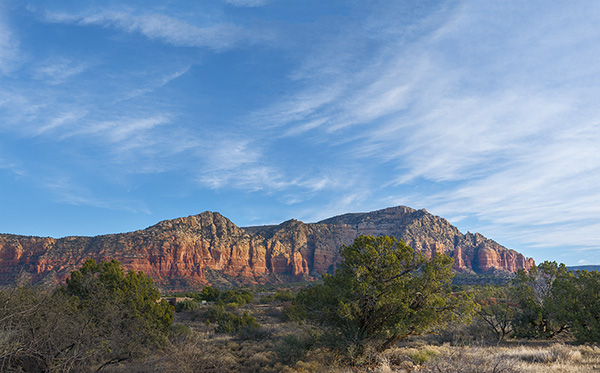
This morning I had my Lumix LX100 with me. I call this the professional’s point and shoot because it has fast glass and is quite versatile with all important controls on dials just like the old days. No need to move into electronic menus to access your settings. All of this is in a quite small package. But the camera is only 12.1MP which yields a 36-megabyte file. In today’s example, I shot five exposures overlapping each by 30-40 percent. After merging the photos I ended up with a 97-megabite file. 97 divided by 3 equals a 32MP capture.
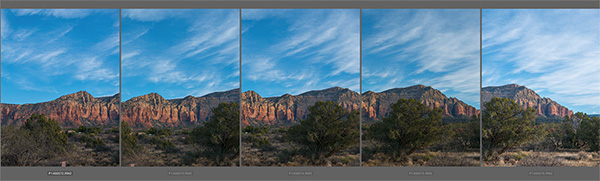 Here is a screen capture of the five images when highlighted in Adobe Bridge.
 After the images above were assembled in Photoshop and massaged with Luminar from MacPhun.*
With this technique, you can get file sizes you have only dreamed about with a little extra work. Remember if you want to really make a huge file you can use a long lens and do row after row of images and blend them all together. Make sure you capture each row the same way. I always go left to right and top to bottom during my captures.
Yours in creative Photography, Bob
PS – * Luminar software is currently only available for the MAC platform but from what I understand they will be releasing a PC version later this year. Luminar can be used as a stand-alone processing program or as a Plug-in. There’s a sale on ’til the end of the year the link above will take you there.
PPS – The MacPhun software Aurora 2017 HDR is also on special until the end of the year. I’m enjoying the creative processing from MacPhun products.
by successfulbob | landscape photography, Lumix GX7, Lumix Lounge, panorama, photography, photography creativity
Let’s Talk Panoramic Photography – Part 2
In looking through my files for some examples of in-camera panoramic photos I came across some more examples I wanted to share. I feel the format adds another arrow to the creativity quiver. Here’s a few made with the Lumix GX7.
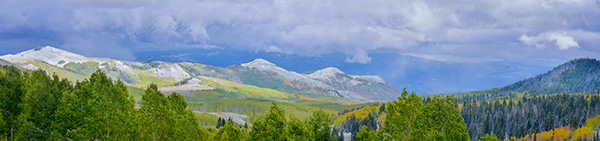 Outside Salt Lake City – Panorama format is perfect for telling the dramatic landscape story.
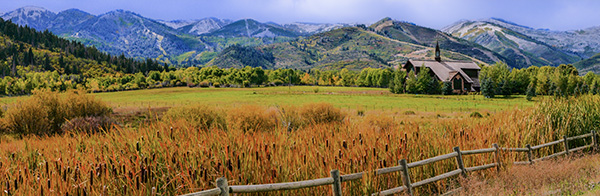 Another from the Salt Lake City Trip.
 A different way to share a scene.
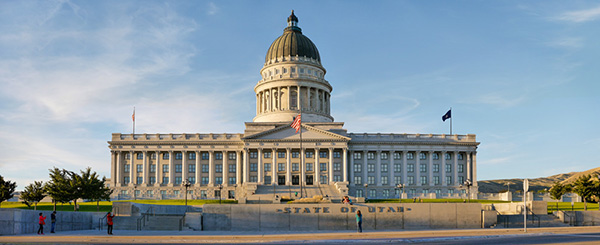
As I was going through my photos, I realized I didn’t share a slightly different idea to leverage the in-camera panorama feature. Sometimes the resulting photo just doesn’t quite cut it as far as capturing the scene. Or you want a file that will have a different aspect ratio but is still a panoramic image. Or, you need more pixels but don’t have time to create a full set of images for future stitching. So here’s two rows followed by the final.
 Showing the dome.
 Showing the base.
 Here’s the final with the two stitched in-camera panorama images using Adobe Photoshop.
 From the Red Butte Arboretum in Salt Lake City.
 One more.
Think about the ways you can use the panorama feature. I don’t have one at my fingertips, but you can also make the panorama vertical.
Yours in creative Photography, Bob

by successfulbob | inspiration
Writing for Successful-Photographer
354,115. That’s a shitpot of words. Just received a year-end review from Grammarly which is a service I subscribe to check my work before I publish my posts and information on the Internet. Hopefully, it makes it a bit more readable for you. They tell me they also helped me find, and fix, about 1,200 writing errors of one type or another. That’s 0.21 percent of mistakes per written word.
 Grammarly Graphic Report
They tell me they also helped me find, and fix, about 1,200 writing errors of one type or another. That’s 0.21 percent of mistakes per written word
That’s 0.21 percent of mistakes per written word. Not bad for someone who needed some serious tutoring in English when he started writing books.
As a reference to how much writing this is a typical magazine article is between 1,500 and 2,500 words. Books average between 25,000 and 50,000 words.
All the words written leads me to a question.
Who’s reading? And, does it help you?
Yours in Creative Photography, Bob




